










Streamline Feedback with Quick Polls
Quick Polls, a feature of Sago’s QualBoard, bridges qualitative and quanitative methods, helping to streamline data collection and gather ongoing, reliable responses from participants.
Let's connectWhen conducting qualitative studies, finding ways to keep participants engaged while gathering useful insights is a common struggle. Whether you’re validating ideas, measuring participant sentiment, or assessing outcomes, the ability to collect real-time feedback helps ensure project success while providing a postitive respondent experience.
What Are Quick Polls in QualBoard?

Quick Polls is a simple yet powerful feature within QualBoard, designed for collecting concise, actionable data. It allows moderators to create and deploy a series of qualitative or quantitative questions from any of QualBoard’s 16 question types, including multiple choice, media response, text-based, and more that participants respond to privately.
Complement in-depth or live discussions with structured feedback gathered when its most convenient for respondents with the integration of Quick Polls. This feature is ideal when you need a quick touch point with respondents in a longitudinal study.
Whether you’re conducting a long-term study, focus group, or building out your participant profile information, Quick Polls make it easy to gather targeted data while maintaining the depth and flexibility that qualitative research requires.
Ready to start your first project with Quick Polls?
Get in touch with our team.
Why Use Quick Polls for Qualitative Research?
Qualitative research plays a crucial role in capturing the complexity of human behavior, offering rich insights that enhance the understanding of participant perspectives.
Quick Polls makes the process simpler and provides :

Instant Insights
Quick Polls allows you to see responses as they come in, empowering you and your team to make smarter, data-driven decisions during and after sessions.

Seamless Integration
Quick Polls are integrated alongside the other five QualBoard activity types for participants and researchers, collecting data in one place across the whole study.

Time-Saving Efficiency
Automated data aggregation and chart generation simplifies workflows, helping researchers analyze results faster and focus on strategic insights.

Support for Hybrid Research
Quick Polls bridge qualitative and quantitative methods, enabling seamless integration of diverse data types for a more comprehensive research approach.
Incorporate Quick Polls and streamline your qualitative research process,
increase participant engagement, and achieve faster results.
How to Use Quick Polls Effectively: A Step-by-Step Guide
Implementing Quick Polls in QualBoard is a seamless process that enhances your qualitative research. Follow this step-by-step guide to maximize the effectiveness of Quick Polls in your projects.
- Access Your Project Dashboard: Log in to your QualBoard account and navigate to the specific project where you intend to deploy a Quick Poll.
- Create a New Poll: Within the project interface, select the option to add a new Quick Poll. This feature allows you to gather simple quantitative or qualitative data within your project.
- Design Clear, Engaging Questions: Choose from any of QualBoard's 16 question types to make up your Quick Poll.
- Setup Logic Branching: Leverage QualBoard's logic engine to create filters that target questions to the right users based on their responses. You can make these as simple or complex as required.
- Filter Based on Screener Information: You also have the option to create logic that filters questions based on group tags set up in the screening phase. For instance, you could send different questions to men or women.
- Schedule Poll Release: Choose when during your project you'd like to use Quick Polls, and easily add more throughtout the course of a long-term study.
- Invite Participants: Inform participants about the poll through QualBoard’s communication tools, ensuring they are aware and prepared to respond promptly.
- Monitor Response Rates: Keep track of participant engagement with the poll in real-time, and send reminders if necessary to achieve desired response levels.
- Access Automated Data Aggregation: QualBoard automatically compiles poll responses, presenting the data in an organized format for analysis.
- Quickly Analyze Qual Data: Leverage QualBoard's built-in AI tools such as Query AI and Question Summaries to rapidly identify trends, patterns, and key findings that address your research questions.
- Integrate with Qualitative Data: Combine Quick Poll results with qualitative insights from discussions or interviews to develop a comprehensive understanding of participant perspectives.

By following these steps, you can effectively utilize Quick Polls within QualBoard to enhance participant engagement, expedite data collection, and support informed decision-making in your qualitative research projects.
Quick Polls in Action: Real-World Use Cases
Quick Polls are a flexible feature designed to fit diverse qualitative research scenarios, helping researchers quickly gather focused insights.
Here are three practical ways Quick Polls can enhance your projects

Apply Quick Polls in these scenarios and more to enhance engagement, uncover actionable insights, and optimize the overall effectiveness of your projects.
Benefits of Quick Polls for
Researchers and Participants
Quick Polls in QualBoard offer a range of advantages that significantly enhance both the research process and the participant experience. Designed for simplicity and efficiency, this feature addresses critical needs in modern qualitative research.
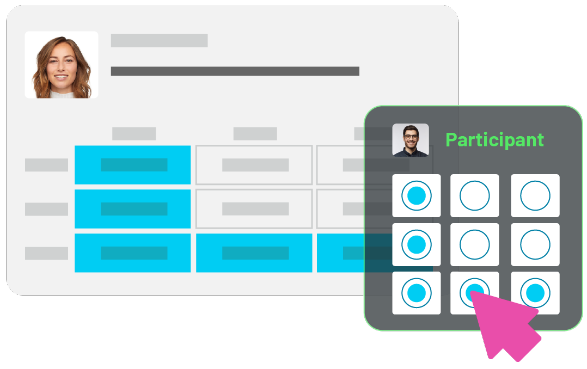
Enhanced Participant Engagement
Participants appreciate the variety and interactivity of Quick Polls. The range of question types available makes it easy to create interesting experiences that provide valuable insights. By incorporating Quick Polls at key stages, moderators keep participants actively involved, creating a sense of collaboration. This engagement strengthens the researcher-participant relationship and often leads to more insightful data.
Safe Space for Sensitive Sharing
As all answers are private with no other respondents able to view them, Quick Polls provides a safe space for participants to share candid thoughts, enhancing the quality and depth of feedback. This not only improves participant engagement but also ensures richer data upon completion.

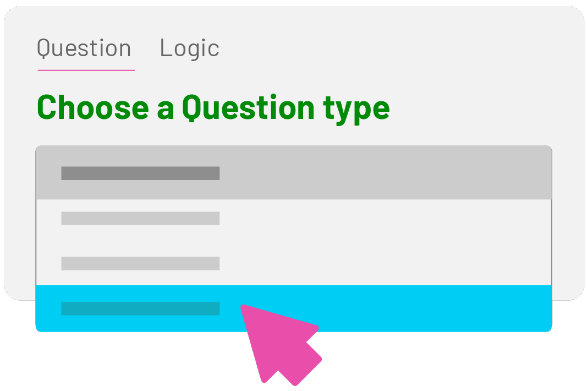
Adaptability for Hybrid Research
Quick Polls act as a bridge between qualitative and quantitative methods, enabling seamless integration of diverse data types. This adaptability makes them ideal for hybrid research approaches, where structured quantitative insights complement in-depth qualitative discussions. The result is a comprehensive understanding of participant perspectives that informs better decision-making.
Scalable Feedback Collection
Whether you’re managing a small focus group or a large community study, Quick Polls scale effortlessly. Researchers can deploy polls to targeted segments or the entire participant base, tailoring their approach to specific project needs. This scalability ensures consistent, high-quality data collection across various research scenarios.
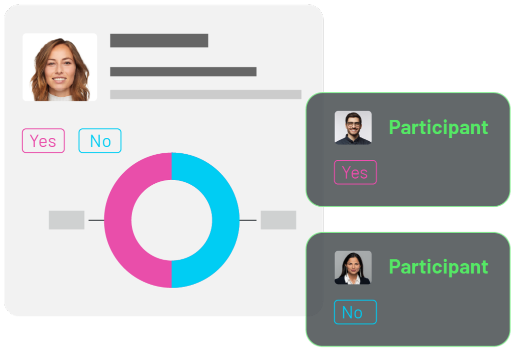
With Quick Polls, researchers gain a powerful tool that enhances accuracy, efficiency, and engagement—all while simplifying the complexities of modern research. By integrating this feature into your projects, you can elevate the research experience for participants and achieve impactful, data-driven results.
FAQs About Quick Polls in QualBoard
Yes! Quick Polls allow you to tailor questions and response options to fit your specific research objectives. Whether you’re engaging participants in a long-term study or looking to create user profiles before launch, you can create questions that align perfectly with your goals.
Yes, Quick Polls responses are always private, fostering honest and candid feedback. This feature is ideal for sensitive topics where privacy is crucial.
Results are available in real time. As participants respond, data is automatically aggregated and displayed within the QualBoard platform. This immediate access enables researchers to analyze insights quickly and make timely, informed decisions.
While offering much of the same functionality, Quick Polls are always private and the questions aren't time-based, but instead open all at once like a survey.
Got more questions?
Book a demo to learn how QualBoard can meet your needs!